
Available character
Halo
The flowing Wave Halo
A sculpted, softly moving loop. A clean, understated welcome for a modern business.
Your assistant name and business identity can be customized. Character choice doesn't enable extra features.


Business Online Assistant
Included for a limited time with monitoring plans
Someone arrives with a question. Your website is ready to help. An AI assistant that explains your services, guides the next step and makes shopping easier — using the content you approve.
Exclusively for Brionic Security customers. We handle configuration for your supported site. Contact us to confirm the current offer for your plan.
Your name. Your character.
Your business knowledge.
Your contentSelected pages and policies
Your businessServices, guidance and shopping
Your characterHalo, Knowi, Owly or Penny
Customer exclusiveLimited-time plan inclusion
A face for your business
Choose the welcome that feels like you. These are the available characters, each with its own name and movement. The same approved knowledge and configured capabilities sit behind every one.
Available character
The flowing Wave Halo
A sculpted, softly moving loop. A clean, understated welcome for a modern business.
Your assistant name and business identity can be customized. Character choice doesn't enable extra features.

Available character
The knowledgeable koi
A curious koi that swims through its own little world. Warm, memorable and full of personality.
Your assistant name and business identity can be customized. Character choice doesn't enable extra features.

Available character
The thoughtful owl
A perched owl with gentle wing movements, glances and blinks. An attentive face for your website.
Your assistant name and business identity can be customized. Character choice doesn't enable extra features.

Available character
The welcoming pencil
An expressive pencil with a little sway and a friendly wave. A playful welcome for people with questions.
Your assistant name and business identity can be customized. Character choice doesn't enable extra features.
Decorative character preview; no live chat connection.

Your knowledge, easier to find
Not a generic chat box with a friendly face. Your assistant uses the published WordPress pages, policies, posts and products you select.
You choose the published WordPress pages, policies, posts and products the agent can use. It answers from that content, rather than making up your returns policy or business promises.
Customers can move between pages in the same browser tab without losing the chat. New chat clears the conversation and starts fresh.
Choose Halo, Knowi, Owly or Penny, then configure your assistant name and business identity. Your assistant introduces itself as AI, not as a member of your human team.
Not just for online stores
Illustrative use cases, not connected agents or promises of specialist advice. Each assistant needs your approved website content and the right configuration.

Tax & accounting firms
Guide clients through your firm's published document checklist, explain the services you offer and point them to the next step on your website. Your team approves the information; the assistant makes it easier to find.
Visitor: What should I prepare for my first tax appointment?
Assistant: I can guide you through the firm's published first-appointment checklist and help you find its preparation page. For documents specific to your situation, please check with your tax professional.
Example, not tax advice. No tax filing, refund estimates or document collection in chat. Keep tax records, Social Security numbers and bank details out of the conversation; use the firm's approved secure process.

Local & professional services
For a landscaping company, explain the services and service areas listed on its website. For a studio or consultancy, help visitors find packages, preparation notes and the right contact page.
Visitor: Do you offer garden maintenance in my area?
Assistant: Tell me your town and I can help you find it in the published service-area list. If it isn't listed, the team will need to confirm coverage.
Illustrative example based on approved website content. Quote or message capture needs a configured delivery channel. This is not a live transfer or an automatic booking.

Online stores
Put your catalog to work in the conversation: product photos, live prices, available colors and sizes, matching variation photos and links to the exact product. Carry their selection into your website cart.
Visitor: Can you help me choose the right color and size?
Assistant: Let's look at the options available for that product, then keep your selection when you add it to the website cart.
Illustrative example. Product, variation and cart features require WooCommerce. Price, stock, taxes and shipping come from WooCommerce; payment stays on your secure website checkout.
A small walkthrough
Illustrative demo, not a live agent. Nothing is sent, added to a cart or ordered. Use the steps, or play the sequence.
Step 1 of 4: Ask a store question

Customer: Can you help me find an oversized tee?
Agent: Here is ASTRAL LOST, an oversized faded tee from the store.

Product discovery with a photo and a product-page link.
The agent uses the published content you selected. Missing information stays unconfirmed; it is not a license to invent a policy.
Customer: I like the faded black one.
Agent: Let's choose your size before adding the item.
Example selection: Faded Black / M. Availability is checked by the store.
Available colors and sizes come from the catalog. Variation photos follow the customer's choice when the store provides them.
Customer: Add my selection to the website cart.
Agent: The selected color and size go with the item into your website cart.
Illustration only: this demo does not change a cart or create an order.
Add to website cart carries the chosen variation into WooCommerce. Browsing another page in the same tab keeps the conversation available.
Customer: Where do I pay?
Agent: Continue through the store's secure checkout to review shipping and payment.
Your checkout. Your payment methods. No card collection in chat.
Your website handles shipping, taxes and payment through its existing checkout. Card and bank details stay on the secure website checkout, never in the AI chat.
Inside the actual widget
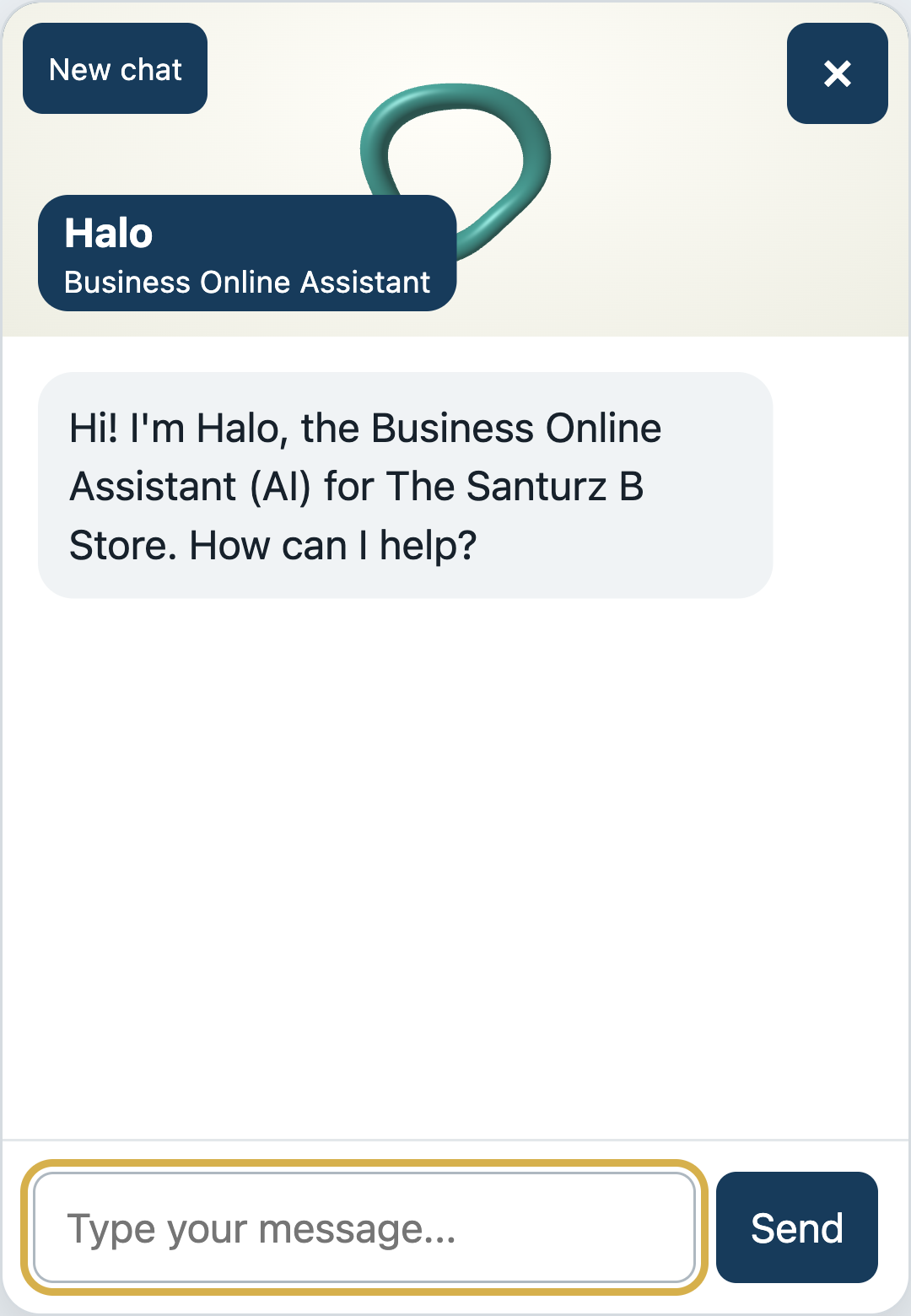
High-resolution captures of the actual Halo widget, configured locally as Business Online Assistant. All messages are illustrative examples using the public Santurz B Store catalog, not live AI responses. Prices shown are snapshots.
Locally configured welcome example. Wave Halo character, Business Online Assistant identity and a clear AI introduction.
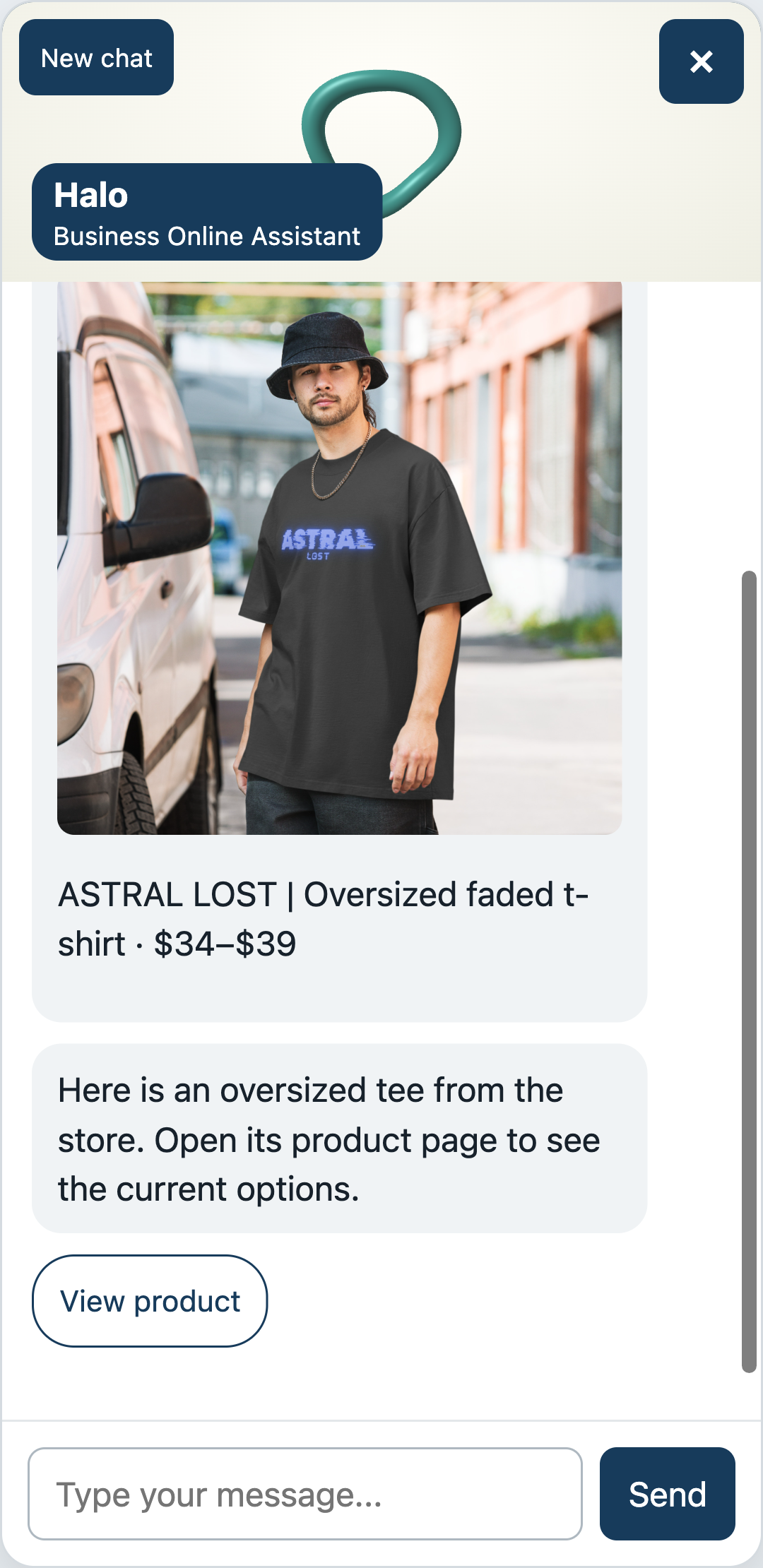
Scripted catalog example in the actual widget. Public product photo, snapshot price range and an exact product-page link.
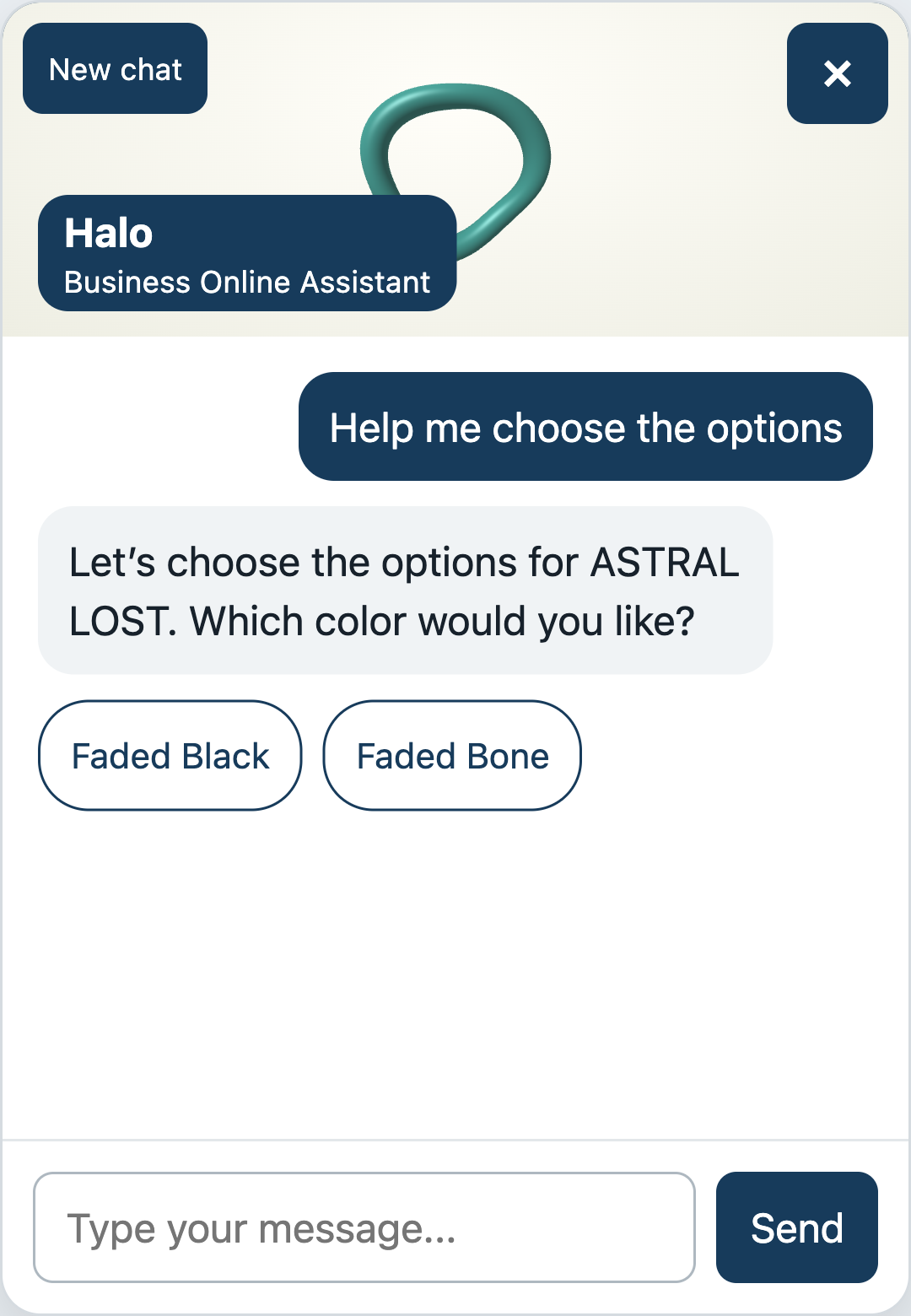
Scripted choice example in the actual widget. Customers can keep their conversation during same-tab navigation.
Configured for your business
We select the content with you, set the identity and test the enabled flows. WooCommerce powers the store features. These additional capabilities need their own setup:
A few straight answers
Business Online Assistant is included for a limited time with monitoring plans, exclusively for Brionic Security customers. Contact us to confirm the current offer for your plan. We configure it for your supported website and agree which capabilities to enable. Product, variation and cart features require WooCommerce; optional integrations need their own setup.
Yes. It can help visitors find and understand your selected published pages, service information, preparation guides and policies. A tax firm, for example, can publish an approved appointment-document checklist for the assistant to explain. This is information guidance, not professional tax advice, tax filing or a secure document-upload service.
Halo, Knowi, Owly and Penny are available character choices for Business Online Assistant. The character changes the look and personality of the welcome, not access to your data or enabled capabilities. We can also configure your assistant name and business identity.
From the published WordPress pages, policies, posts and products you select, plus live WooCommerce data for store features. It should leave missing information unconfirmed rather than invent a policy, a price or a promise.
No. Card and bank details belong on your secure website checkout, not in chat. The usual website-cart flow uses your native WooCommerce checkout. Optional confirmed chat ordering creates a pending order and a secure pay link only after explicit customer confirmation.
Yes, the widget preserves the conversation during same-tab navigation. New chat resets it. This is browser-tab continuity, not a promise of history syncing between devices.
Those are configured capabilities. Order-status assistance needs the appropriate setup. Contact and quote capture need an owner delivery channel; live transfer or email delivery should not be assumed. We test the enabled flows before launch.
The screenshots are native high-resolution captures of the actual Halo widget, configured locally as Business Online Assistant. Welcome, product and choice messages are illustrative examples using the public Santurz B Store catalog, not live AI responses. The walkthrough is also an illustration, not a connected agent: it sends no messages, changes no cart and creates no orders. Example prices are snapshots, not offers.
Exclusively for Brionic Security customers
Business Online Assistant is included for a limited time with monitoring plans, exclusively for Brionic Security customers. Talk to us to confirm the current offer and configure the assistant for your website, your content and your customer journeys.